This section guides you to create an embedded dataset in the Report Designer.
Design query data
-
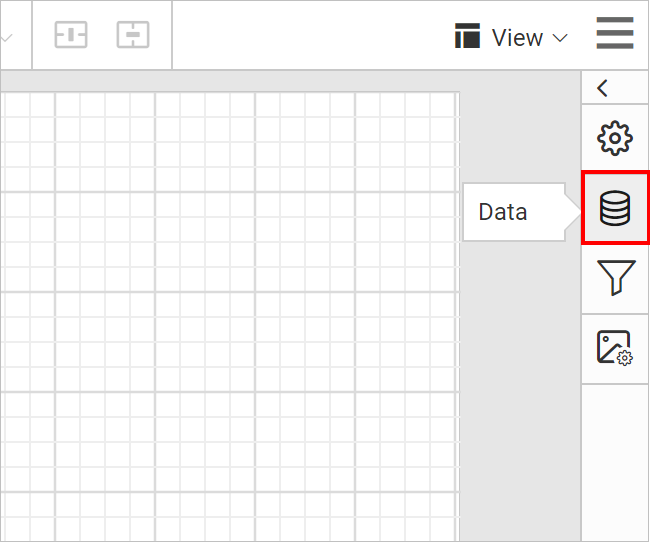
Click the
Dataicon in the configuration panel to launch aDataconfiguration.
-
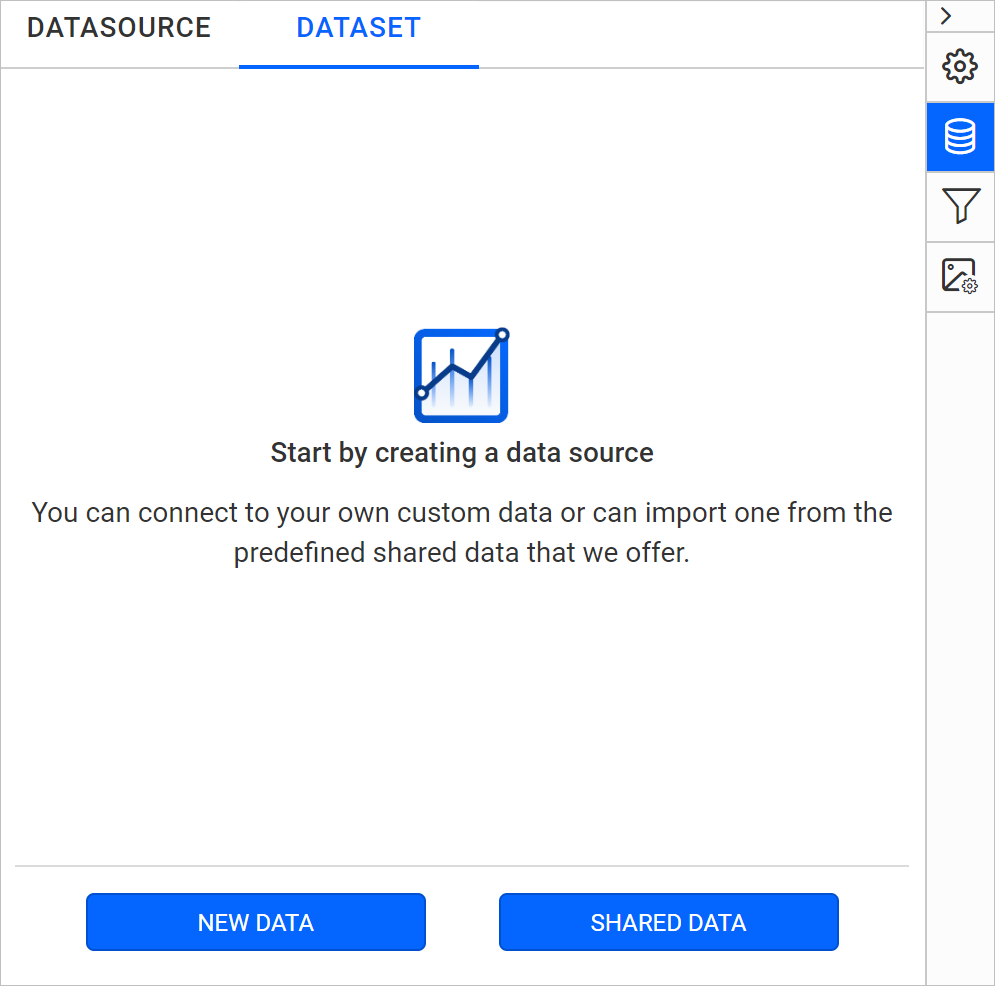
Click on the
New Databutton inDatapanel.
-
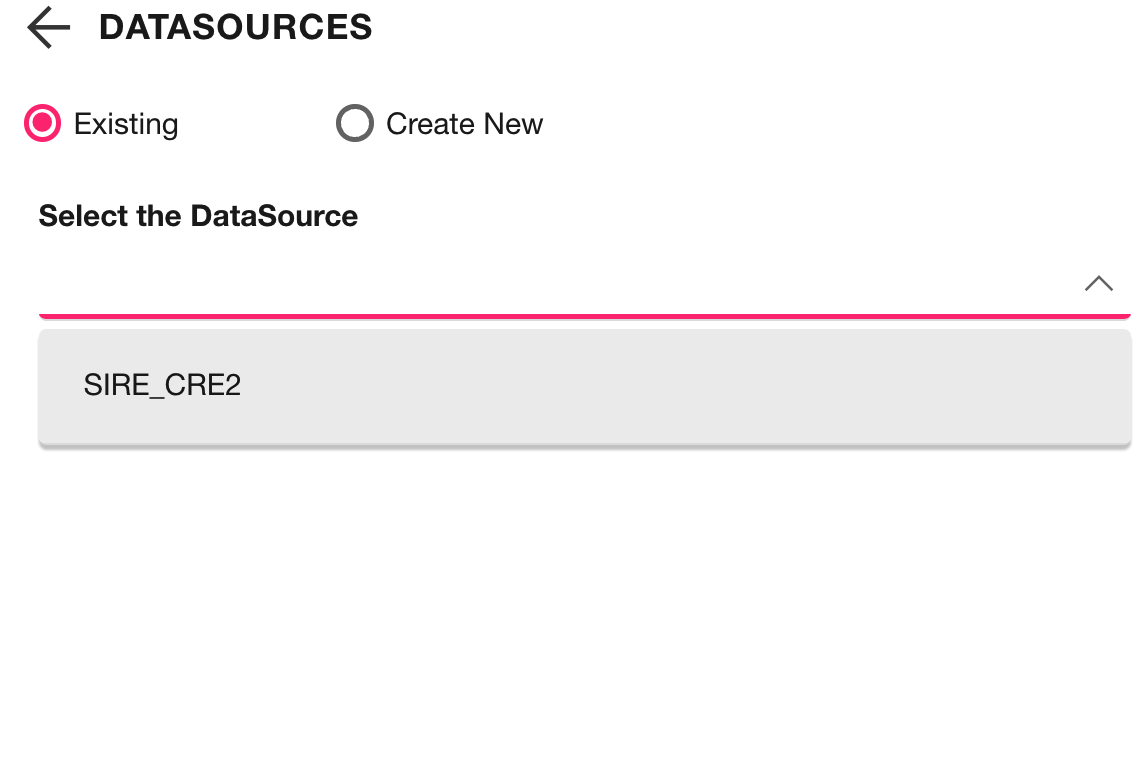
In the connection type panel, click the data source type that you want to connect. Here, you have to connect to your Shared Data Source.
-
Click on the
Connectbutton, now the following view will be displayed. -
You can edit the name of the
Datain the Name field that is available in toolbar pane.

-
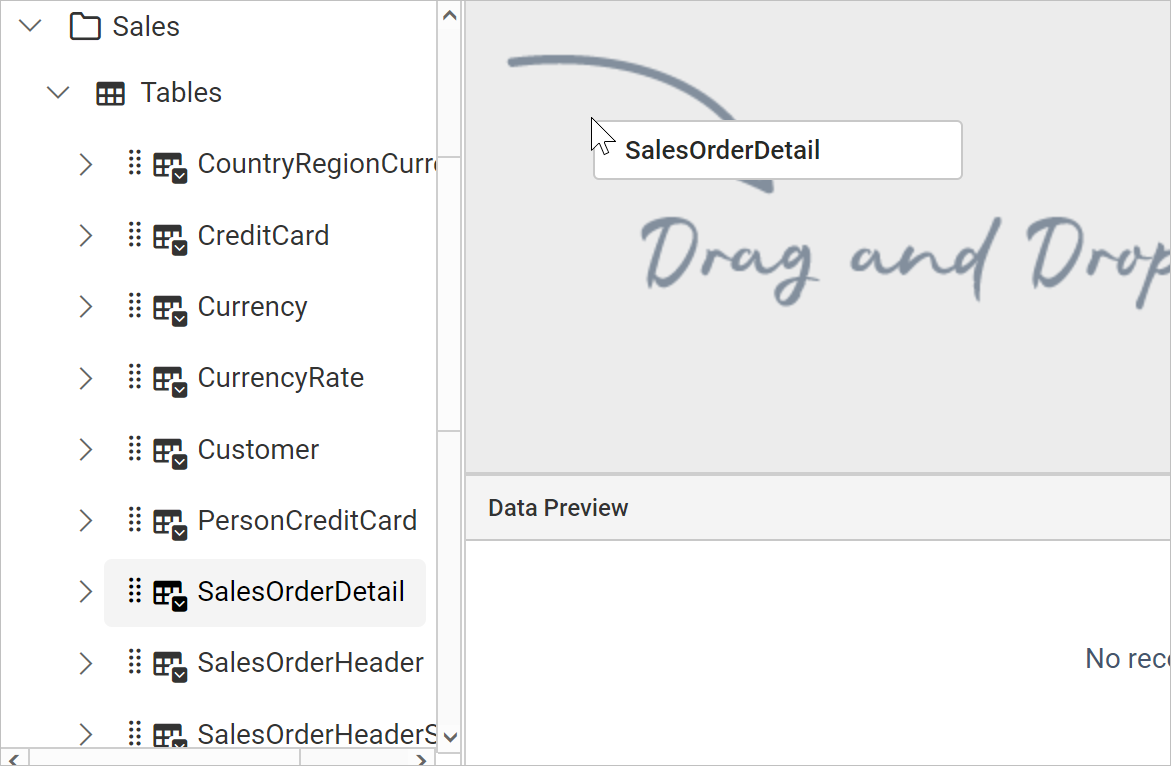
You can drag the tables and views associated with the connected database from left pane. Dragged table or view from the left pane can be dropped into the center pane labeled with
Drag and Drop tables herelike below.
-
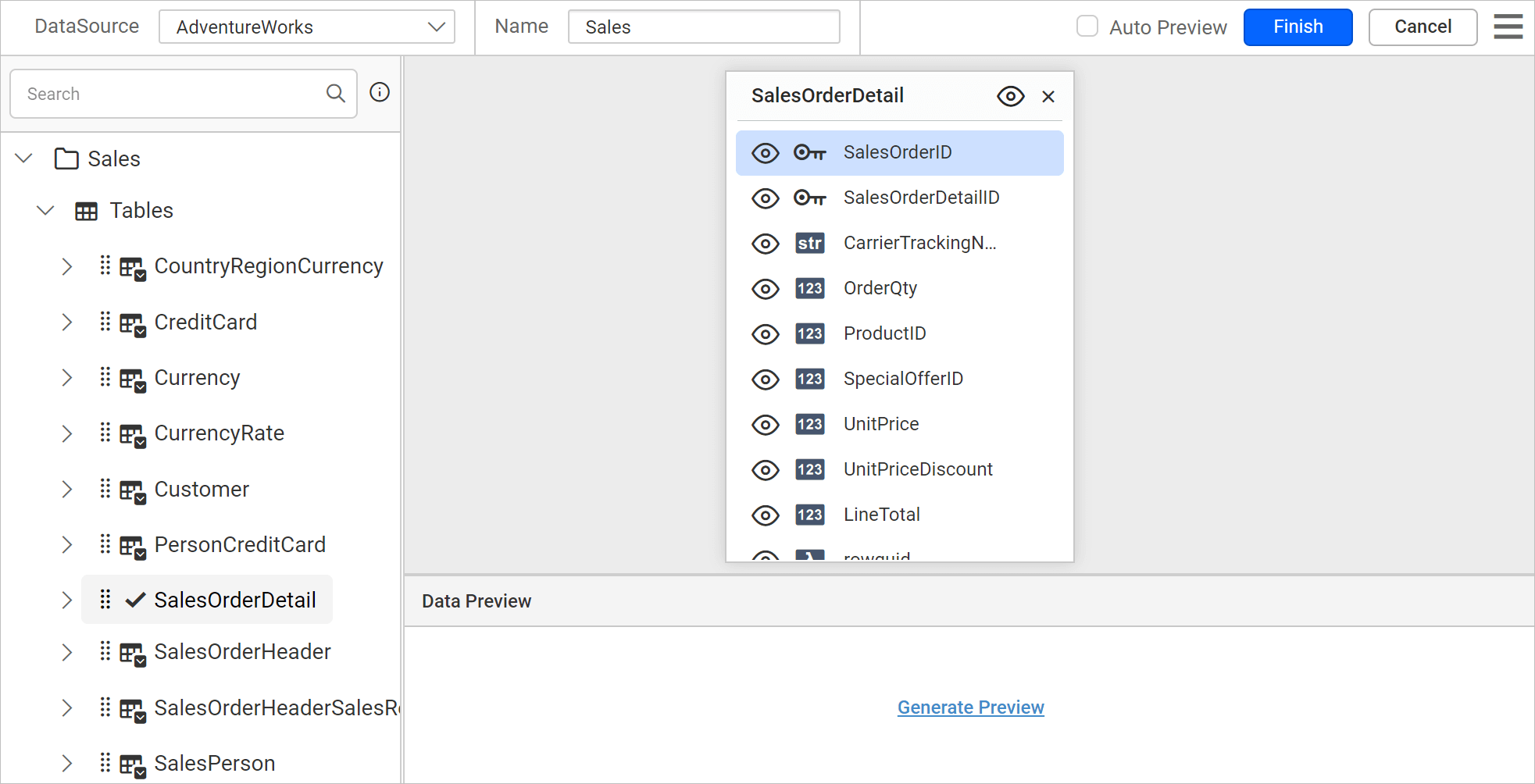
After you drop the item into the center pane, it displays like below:
-
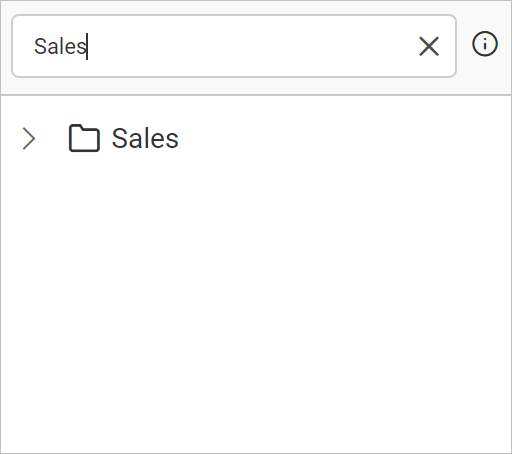
To search the table or view from the data collection, you can use the
Searchfield in the left pane of the query designer.
Save Data
-
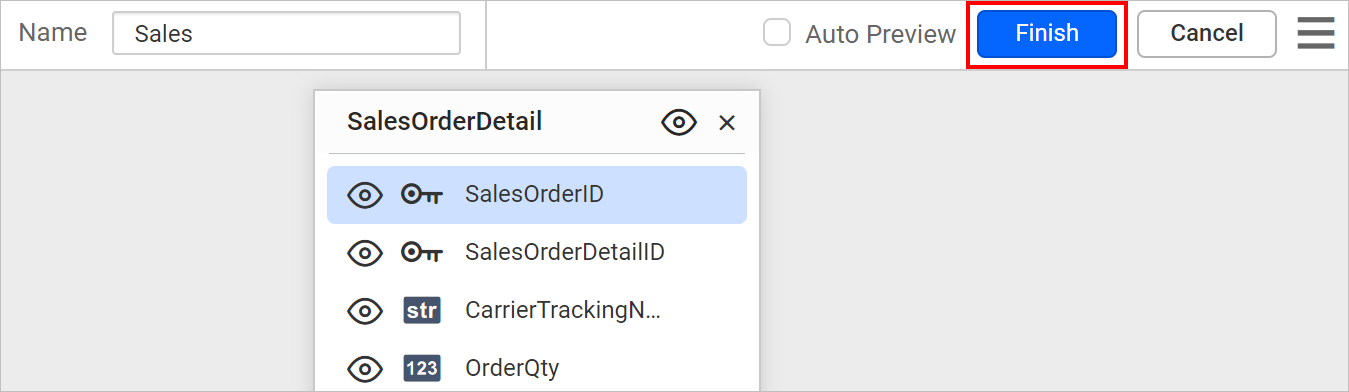
Click on the Finish button in the tools pane.
-
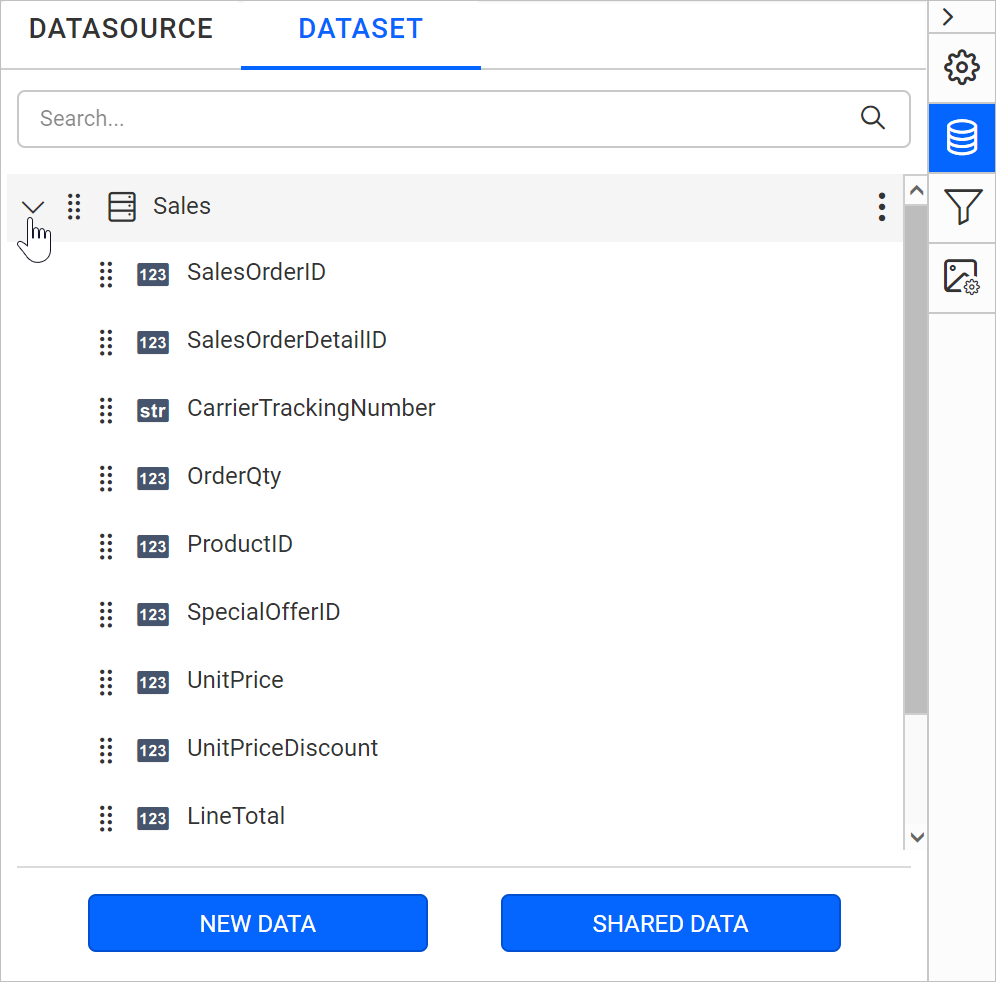
Your dataset should now be listed in the Data panel like below.
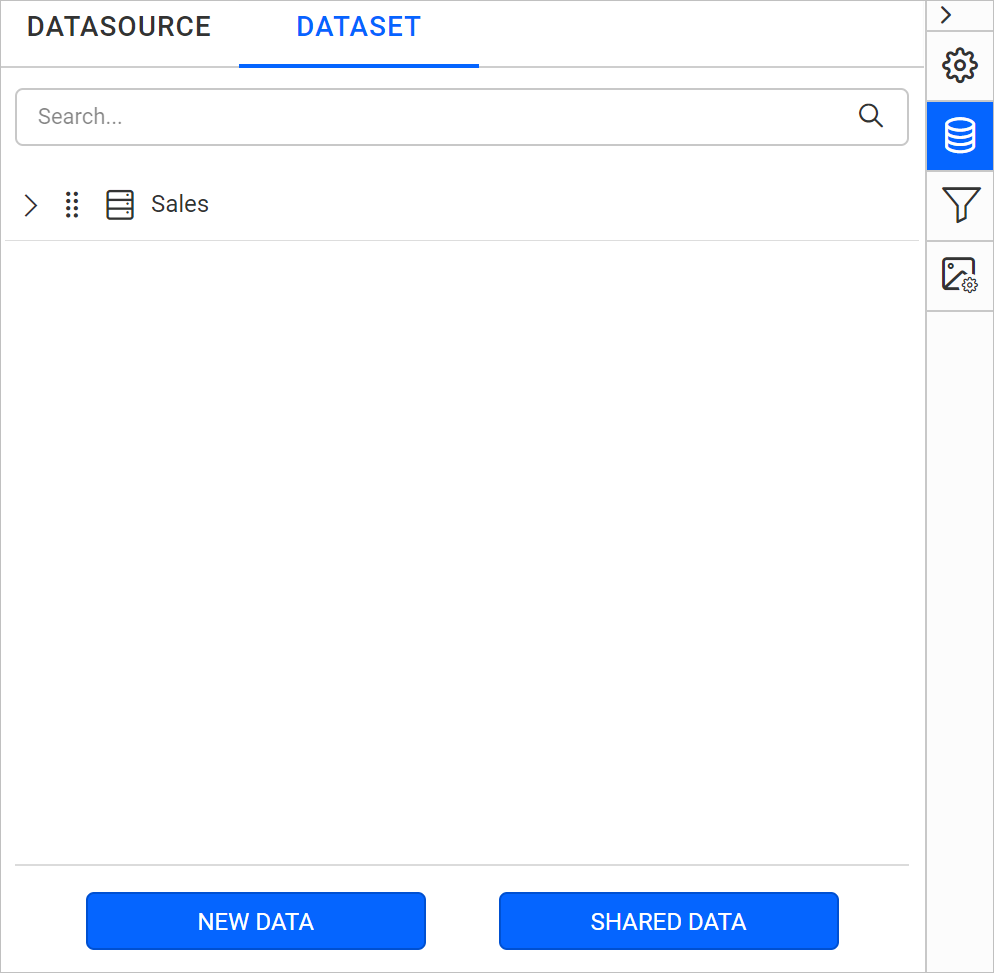
-
Expand the icon to view the data fields.