
This section aims to explain all different standard reports provided within SIRE.
To get into the standard reports page you should go to:
Real State → Reports → Report Center → All Reports
Then the following reports with the category name “Standard Reports” will be displayed:
Index
The common tools to work with across all standard reports are:
-
Report parameters
They work as filters for the data you want to display. Some parameters will be defined with default values, some won’t. Also, they can mandatory or optional. You will always find them at the right panel of a report and, once selected, they can be hidden.
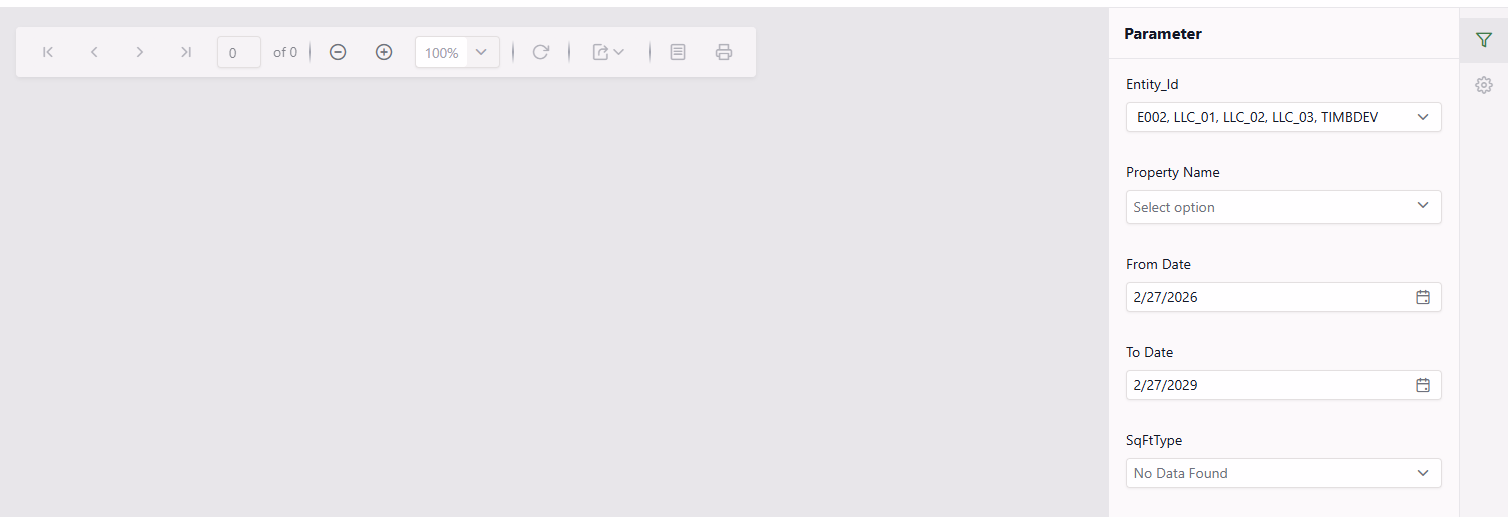
Depending on the report type, the values can be display as a dropdown, a datetime, etc.
-
Export Buttons
The Export button offer multiple format options. Most common are excel and pdf formats.
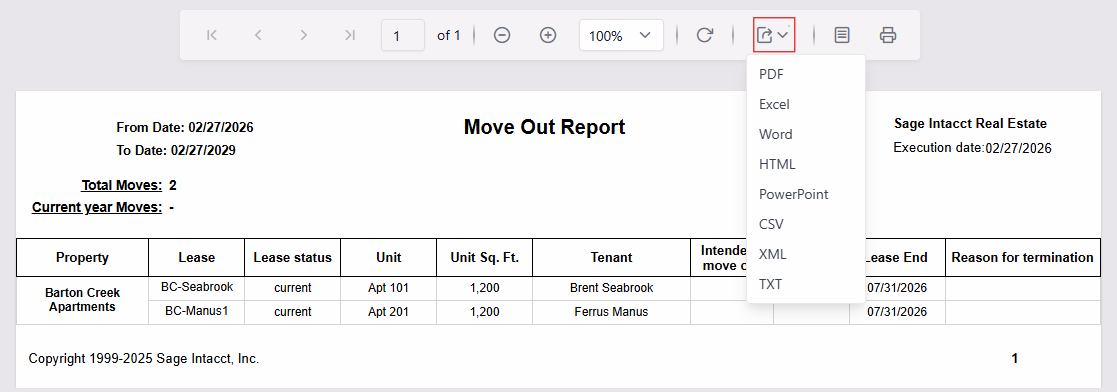
You can also use the Print button to preview how the report will be displayed on the configured page when exported to pdf. It is useful to see the width and space occupied:
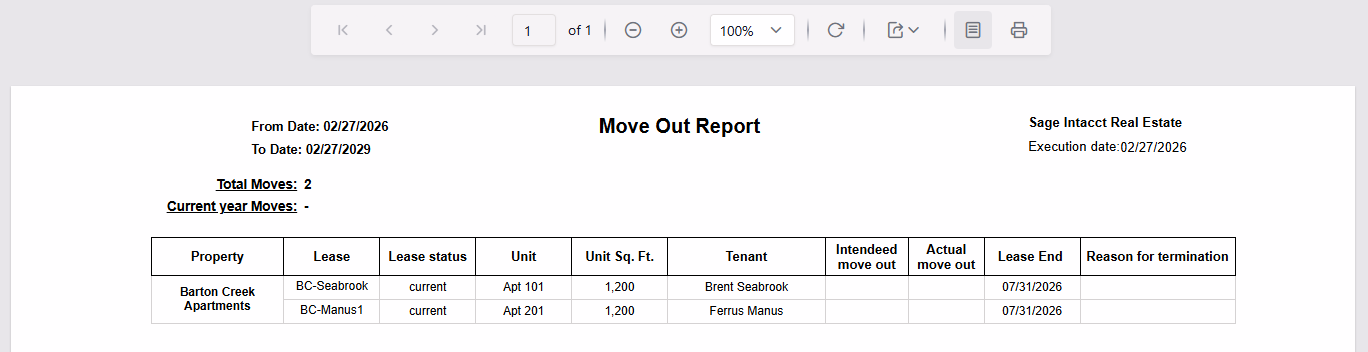
Finally the Print button
-
Customization request